
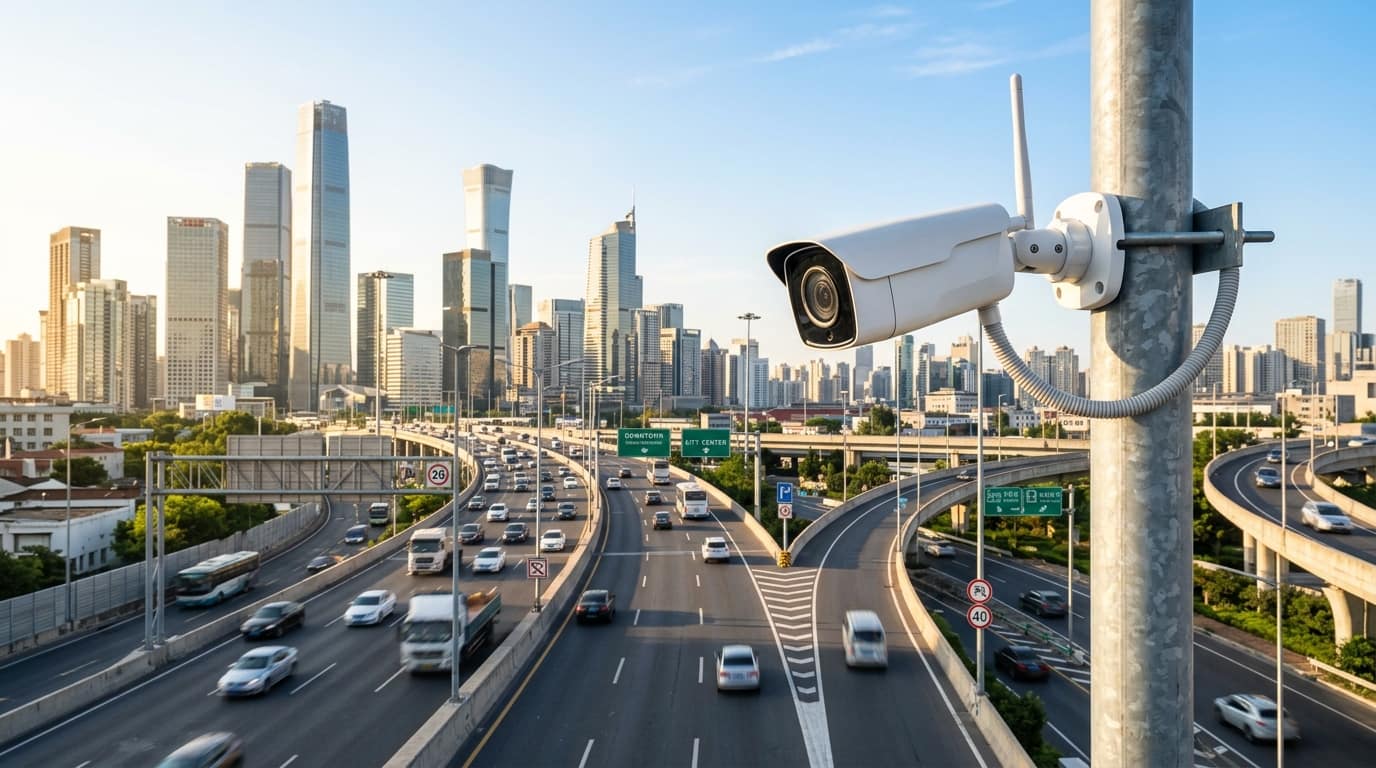
A face recognition system uses cameras and AI software to compare a live face against enrolled templates and decide who is allowed, who is unknown and who is on a watchlist. It can open doors, raise alerts and export attendance. Accuracy depends on lighting, camera angle and enrolment quality, and biometric face data falls under the Digital Personal Data Protection Act 2023.
At a glance
- Typical timeline
- Three to eight weeks, depending on number of entry points and enrolment drive size.
- Key standards
- ONVIF for video, IEC 62676 for performance testing, DPDP Act 2023 for personal data.
- What you receive
- Cameras, analytics engine, enrolment tool, access-rule configuration, test records, HR export.
- Best suited for
- Corporate offices, data centres, factories and high-security premises.
- Our scope
- Survey, camera siting, supply, installation, enrolment support, integration, training and AMC.
- Site survey
- Light, distance and door flow are measured at each entry point before any model is chosen.
Face Recognition System Overview
A face recognition system identifies a person by comparing the face seen by a camera with a stored template made at enrolment. When the match score is above the threshold you set, the system treats the person as known. It can then open a door, record an attendance entry or simply log the visit. When no match is found, it labels the face as unknown and can raise an alert.
Buyers usually ask for face recognition for one of three reasons. The first is access: a door that opens for enrolled employees without a card or a finger on a reader. The second is security: a watchlist of banned visitors, ex-employees or persons of interest, with an alert when one of them is seen. The third is attendance: contactless time records that cannot be shared with a friend the way a card can.
Face recognition in a camera is different from a face terminal fixed at a door. A recognition camera and server can watch a lobby, a corridor or a gate and identify people on the move, often several at a time. A terminal checks one person who stops and looks at it. We cover the camera and analytics approach here, and we point you to biometric access control when a door-mounted device fits better.
We treat this as a deployment with legal and operational parts, not just hardware. Enrolment quality, privacy notices, retention rules and a fallback when the system fails matter as much as the camera. Our team, based in Nashik and travelling to sites across Maharashtra, Gujarat, Madhya Pradesh and Rajasthan, plans these with your security, HR and IT heads before the first camera goes up.
Ideal for: Corporate offices, data centres, factories and high-security premises.
What Our Face Recognition System Includes
Our face recognition scope covers the cameras, the analytics, the people enrolment and the links to your door and HR systems.
Face recognition cameras and edge or server analytics
We select cameras for face size, wide dynamic range and mounting height, and choose edge or server analytics for your load. You receive a camera schedule and a sizing sheet. Tip: avoid mounting above head height, because steep angles cut match scores sharply.
Employee enrolment and access-rule configuration
We run the enrolment drive, check image quality and set rules by door, group and time window. Consent records are collected. Tip: enrol in even light with a neutral face, and plan re-enrolment for people who change appearance.
Watchlist and unknown-person alerts
We set up watchlists with image, category and alert route, and alerts for unknown persons in restricted zones. Tip: keep the watchlist short and reviewed, because stale entries create false alarms and legal risk.
Attendance data export to HR and payroll systems
We configure scheduled exports in CSV or through an API to your HR tool, with shift rules and grace periods. Tip: agree the shift and holiday logic with HR before go-live, since most disputes come from rules, not from recognition.
Liveness checks and fallback methods
For door-opening uses we enable liveness detection and set a fallback such as card or PIN when a face is not read. Tip: define who may approve manual entry, and review that log weekly.
Why cards, PINs and general CCTV leave identity unverified
Cards and PINs prove possession or knowledge, not identity. A card can be lent, copied or lost, and a PIN can be shared. In a data centre or a plant with controlled zones, an access log full of valid card reads still cannot tell you who actually walked through. Tailgating makes this worse, because one valid read can let several people in.
General CCTV records faces, but nobody watches every feed and nobody can search hours of video by person. After an incident, a guard scrolls through footage for hours. Without recognition, there is no live alert for a barred person walking into reception, and no way to confirm that the person on the camera is the same one who used a card.
Face recognition also fails when it is badly set up. Cameras above a doorway see the top of heads. Backlit entrances turn faces into silhouettes. Enrolment from a poor passport-style photo gives low match scores. And a threshold set too loose produces false matches, while one set too tight rejects staff in the morning rush. A system that has not been tuned for your lighting and your people becomes a source of complaints in the first week.
What You Gain
Hands-free entry for enrolled staff
People walk up, look forward and the door opens, with no card to carry. At busy shift changes this removes the queue at the reader and the cost of replacing lost cards.
Alerts for unknown and barred persons
Your watchlist can hold former employees, banned visitors or flagged individuals. When one is seen at any enrolled camera, the control room gets the image, location and match score at once.
Attendance that cannot be shared
Because the face is the credential, buddy punching stops. Daily records are exported in CSV or through an interface to HR and payroll tools, ready for your cut-off dates.
Searchable video by person
Instead of scrolling hours of footage, an investigator searches by a face image and sees every camera where that person appeared. This shortens incident review from hours to minutes.
Layered security with cards
For high-risk zones, face plus card, or face plus PIN, gives two factors. We configure the rule per door, so a server room can need more proof than a canteen entrance.
Clear audit trail
Each recognition event, enrolment change and rule edit is logged with the operator and time. Auditors and your security head can see who changed what and when.
How the Work Is Delivered
Face recognition projects fail more often from poor planning than from poor software. This sequence puts the site conditions and the people side first.
- 1
Use-case and risk workshop
We agree with you what the system must do: open doors, alert on watchlists, mark attendance, or all three. We list zones, user counts, visitor flow and the fallback when the system is down. This fixes the accuracy and throughput the design must meet.
- 2
Site survey and light study
We measure ambient light at each entry across the day, check for glass fronts and backlight, and note the distance people stand at when they reach the camera. The survey report says where a recognition camera works and where a door terminal is the better tool.
- 3
Design, sizing and BOQ
We choose cameras with wide dynamic range, set mounting height near face level and size the server for the number of streams and enrolled faces. The BOQ includes licences, storage for events, network and power, with your retention period applied.
- 4
Installation and network setup
Cameras are fitted at the planned height and angle, with PoE cabling kept within 100 m per run and separated from power. Recognition servers go into a ventilated rack on UPS power. Networks are segmented so biometric data is not exposed to the general LAN.
- 5
Enrolment and template quality
We run the enrolment drive with your HR team, capturing a front-facing image in even light. Low quality images are flagged and retaken. Consent forms and privacy notices are collected as part of this step, not left for later.
- 6
Threshold tuning and live testing
We test with enrolled and non-enrolled people, with and without glasses, masks and caps where relevant. We set match thresholds per door, check false accept and false reject on a sample, and record the results for your sign-off.
- 7
Integration, handover and AMC
We connect door controllers, HR exports and alert channels, train operators and hand over rule sheets, test results and admin credentials. AMC is agreed per site and covers camera cleaning, software updates and periodic re-enrolment for people whose appearance has changed.
How face recognition works: detection, templates and thresholds
The camera first detects a face in the frame and checks its quality: size, angle, blur and lighting. A good template needs the face to be at least about 80 to 100 pixels between the eyes for reliable matching at distance, and close to front-facing, within roughly 15 to 20 degrees. The software then converts the face into a numeric template. Raw photos are not compared directly. Matching compares templates and returns a score, and you choose the score above which the system accepts.
Processing can happen on the camera, on a local server or on a mix. Edge processing keeps working through network faults and sends only events. A local server holds large watchlists and does multi-camera search. We keep biometric data on your own premises unless you decide otherwise, restrict access by role and encrypt stored templates. Liveness detection, which resists a printed photo or a phone screen held up to the camera, matters for access control and we specify it for door-opening use.
Digital Personal Data Protection Act 2023
Face data is personal data, and you are the data fiduciary. You need a lawful basis, notice and consent for enrolment, defined retention and a way to delete data. We configure retention and deletion tools and advise on the technical side. Legal advice stays with your counsel.
ONVIF for camera interoperability
ONVIF conformant cameras let analytics, VMS and recorders work across makers. We verify the profile before purchase, so your recognition engine is not tied to a single camera model.
IEC 62676 image quality approach
This series guides how to specify and test video systems. For recognition we apply its idea of defined pixel density at the target position and test that face size, not a megapixel figure, meets the need.
BIS CRS registration for cameras
CCTV cameras need BIS Compulsory Registration Scheme registration for sale in India. We supply registered models and give the references with the handover pack.
Accuracy metrics that matter
Ask for false accept rate and false reject rate at your chosen threshold, not a single accuracy percentage. A system with a quoted 99 percent can still let in the wrong person if the threshold is loose.
Worked example: face recognition for a 600 person corporate office and server room
Consider an IT office in a city business park with about 600 employees across two floors, a ground-floor lobby with glass frontage and a server room on the second floor. Management wants contactless entry through the main turnstile lane, a watchlist for former employees and a strict rule for the server room. Attendance data must reach the payroll tool each month.
We would place recognition cameras at the turnstile lane at face height, with a light shield against the glass backlight, and add supplementary lighting at the lane. A local server would hold the watchlist and templates. The server room door would need face plus card, with liveness checking on. Enrolment would run over two weeks in the lobby with consent forms signed, with a reminder email for those who miss it.
After tuning, the client typically sees a short, steady flow at the turnstile in the morning peak, a small set of staff who need re-enrolment after changes such as a beard, and a clear log for the server room. Our review at the end of the first month usually adjusts thresholds at the turnstile, where daylight shifts through the day.
- Enrolled staff enter without presenting a card.
- Watchlist matches reach the security desk with image and location.
- Server room entry needs two factors, with every event logged.
- Monthly attendance export reaches HR in the agreed format.
This is an illustrative scenario built from typical site conditions. Actual quantities, timelines and results depend on your site survey.
Face Recognition System Across Four States
We are based in Nashik and deliver across Maharashtra, Gujarat, Madhya Pradesh and Rajasthan. Each state has its own utilities, approvals and site conditions, and these are the points that matter most for this service.
Maharashtra
Maharashtra has a large base of IT parks, banks and factories that want contactless attendance and server room control. Glass-fronted lobbies are common, so backlight at the entrance is the main design problem. Monsoon mornings are dim, which changes exposure, so we tune thresholds on a rainy day as well as a clear one.
Gujarat
Gujarat buyers include GIDC factories, chemical and pharma units and financial campuses with strict zone control. Plants often run long shifts with several hundred workers entering at once, so we size enrolment and recognition throughput for the peak minute. Dusty production areas may need a clean entry lobby for cameras.
Madhya Pradesh
Madhya Pradesh demand comes from industrial areas such as Pithampur, from government offices and from education campuses. Many sites have older network cabling, so we audit the switches and cable runs before adding streams. Summer heat inside unconditioned entrance halls can affect camera and server life, so we plan ventilation.
Rajasthan
Rajasthan sites face strong direct sunlight at entrances and very hot summers, which push cameras beyond comfortable operating temperature. We shade the camera, choose a wide dynamic range model and place servers in cooled rooms. Dust on lenses lowers match scores, so cleaning is written into the AMC visit plan.
Where This Work Is Most Often Needed
Why Teams Work With Us on This
Camera and door hardware from one contractor
We also install access control, turnstiles and attendance systems. We recommend camera-based recognition where it fits and door terminals where they fit better, instead of selling one answer for every door.
Privacy built into the setup
Consent capture, role-based access to templates, retention and deletion are part of our configuration checklist. You receive a data-handling note your legal and IT teams can review.
Surveyed for light and flow
A survey team mobilised from our Nashik base measures light across the day and observes real door flow. The report states where recognition will work and where it will struggle.
Tuning continues after go-live
Thresholds and enrolment images need a follow-up as seasons, staff and appearances change. Our AMC includes scheduled reviews, with terms agreed in your contract per site.
Guides and Projects Related to This Service
Frequently Asked Questions
01How accurate is a face recognition system?
Accuracy depends on lighting, face angle, template quality and the threshold you set, so a single percentage is not meaningful. Ask for false accept and false reject rates at a stated threshold, tested at your doors. In controlled, front-facing, well-lit entry points good systems perform very well. Backlit or high-angle cameras perform noticeably worse.
02Is face recognition legal for employee attendance in India?
It can be used, but it needs a lawful basis, notice and consent under the Digital Personal Data Protection Act 2023, plus sensible retention and security. You are responsible as the data fiduciary. We configure access control, retention and deletion on the technical side, and your legal team should approve the notice and policy.
03What is the difference between face recognition and biometric access control?
Face recognition here means AI cameras and software that identify people at a distance and can watch a whole area, while biometric access control usually means a terminal at the door reading a finger, card or face. Terminals suit single doors. Recognition cameras suit lobbies, watchlists and searchable video. Many sites use both.
04Does it work with masks, glasses or caps?
Glasses and caps usually work if the eyes and most of the face are visible, but heavy shades and low caps reduce scores. Masks reduce accuracy unless the system is tuned for partial faces. We test your actual conditions during commissioning and set a fallback such as a card for those cases.
05How much does a face recognition system cost?
Cost depends on the number of cameras or doors, enrolled users, server size, licences by camera or by user, integration with door controllers and HR tools, and storage period. We price after a site survey and give a line-item BOQ, so licence terms and recurring costs are visible next to the hardware.
06Where is the face data stored and who can see it?
We design for storage on your own premises, in encrypted form, with access limited by role and every access logged. Raw images and templates are separated where the product allows. You decide retention and who may export. Ask any vendor whether data leaves your network, and get the answer in writing.